 Korro User Deletion Steps
In order to delete your Korro user, please proceed as follows:
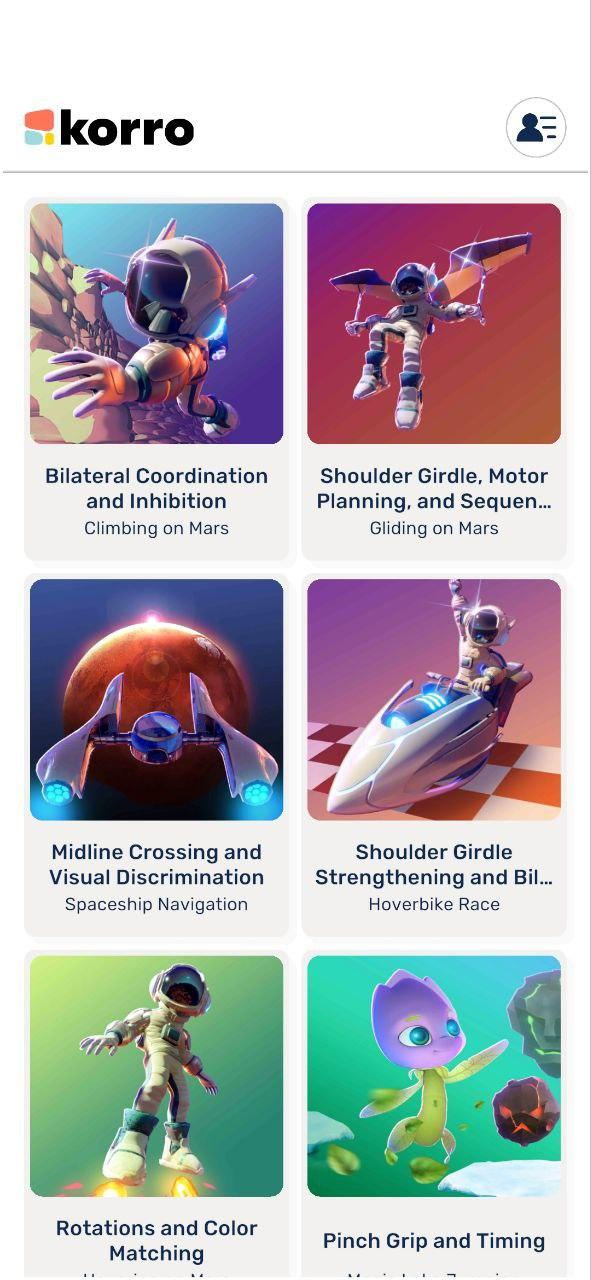
- Click on Settings (icon on the top right)
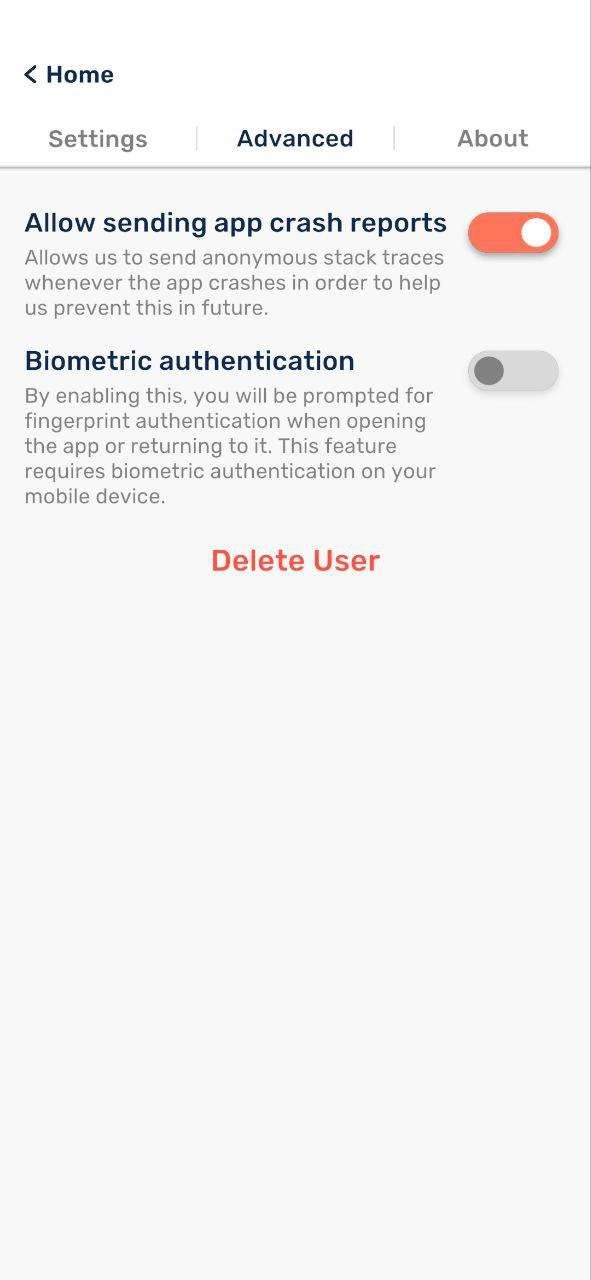
- Click on Advanced
- Click "Delete User"
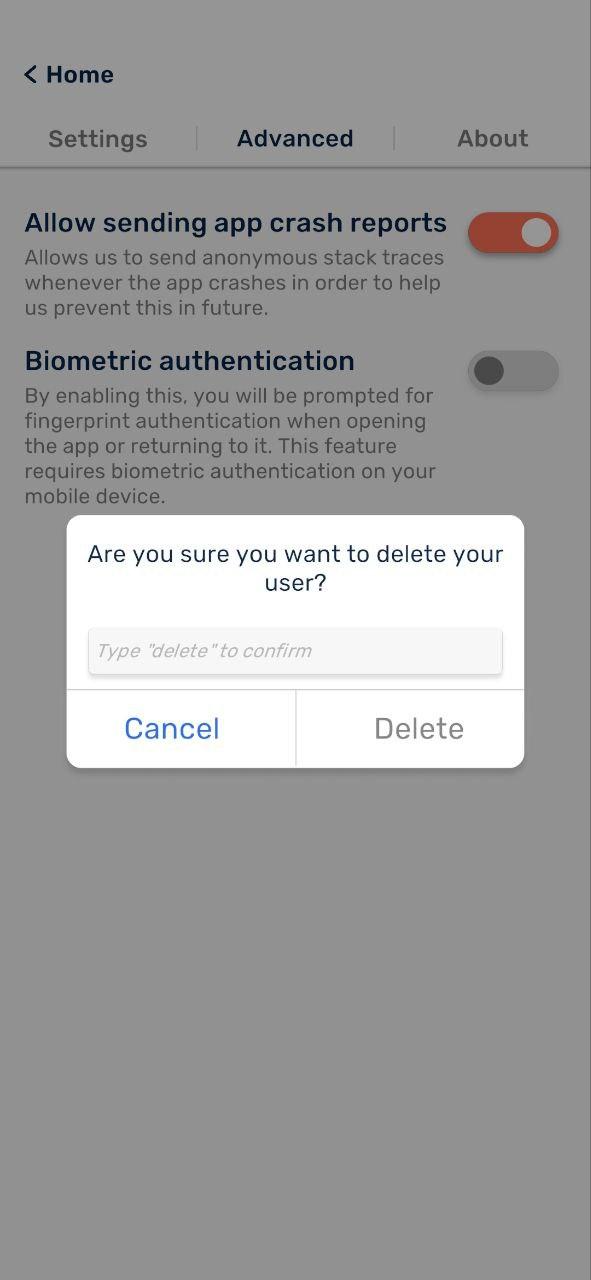
- Type "Delete" in the text field to confirm deletion
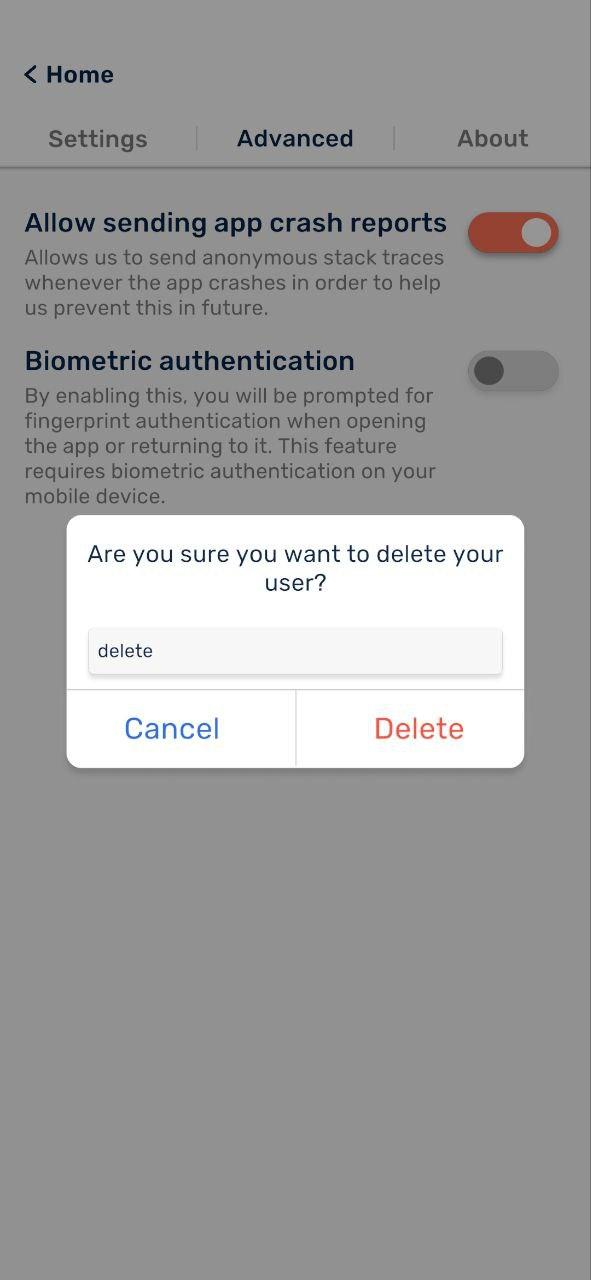
- Click "Delete" in the pop-up